For parents & educators
“Tobias and the Nightmare” is a free platformer for kids, created as a family project by Dad Mario for his own children. Here is everything parents, kindergartens, schools and after-school care should know before kids start playing.
The essentials
Free
No in-app purchases, no subscription, no account. In the in-game shop you only pay with collected stars.
No ads
No banners, no videos, no tricks pushing kids to keep playing.
No tracking
No cookies, no analytics, no embedded third-party services. Progress stays on the device – unless you choose to create a family code.
From age 6
Recommended from 6 in “Easy” mode and from 8 in “Normal” mode; from 5 in “Relaxed” mode, ideally together with an adult. No blood, no jump scares.
Any device
In the browser on iPad, iPhone, Android, PC and Mac. Touch, keyboard or controller.
Offline too
After the first visit the game runs without internet, e.g. in the car or on holiday.
No chat
No contact with strangers, no messages, no online leaderboards. The game doesn’t connect to anyone – except, if you choose, via your own family code.
Short rounds
A level takes 3 to 6 minutes – easy to plan, ideal for “one more level, then we stop”.
Profiles for siblings
Up to three profiles with a name, an icon and their own save. Nobody overwrites anyone else’s progress.
What children practice along the way
Skill & reaction
Jumping, dodging and striking at the right moment train hand-eye coordination.
Logical thinking
Switches, crates on pressure plates, color blocks and sequence puzzles want to be figured out.
Reading
Short dialogs that beginning readers can manage themselves or have read to them.
Teamwork
In two-player mode siblings, or parent and child, help each other along.
Creativity
In the Level Builder kids design their own levels and share them as a code.
Perseverance
Fair checkpoints build courage instead of frustration. Anyone who keeps failing at one spot gets a signpost and may continue on an easier setting or skip the level.
Screen-time tips
- Stop anytime: Progress is saved automatically – at checkpoints, at the end of a level, when pausing and when the app goes into the background. So stopping normally loses nothing.
- Agree beforehand: Instead of counting minutes, “one more level” or “until the next checkpoint” often works better.
- Play together: In two-player mode parents simply join in and see what their child experiences.
- Use device settings: Screen Time (iPhone/iPad) or Digital Wellbeing (Android) can limit play time.
- No pressure: There are optional daily goals with a few stars as a reward, but no streaks to break and no downsides if you don’t play for a few days.
Set up in a few minutes
Everything explained in detail – save code, family code, privacy, installing as an app and every setting: Help for parents →
As an app on the home screen
iPhone/iPad: open in Safari → Share → “Add to Home Screen”. Android: in Chrome → menu → “Install app”. PC/Mac: in Chrome or Edge click the install icon in the address bar.
Start with the tutorial
On the first start the game asks whether Lumi should show everything on her practice meadow: running, jumping, fighting, magic – no danger, in about two minutes. Available any time later in the options.
Choose a difficulty
A new game offers “Relaxed”, “Easy”, “Normal” and “Nightmare”. You can switch anytime in the options.
Several devices
Create a family code in the options and enter it on the other devices. Progress then syncs automatically. Alternatively copy the save code.
Accessibility
In the options: larger text, “Soften flashes”, “Extra slow enemies”. Dream shards come in three shapes so children with color vision deficiency can tell them apart too.
Controller
Pair common gamepads (Xbox, PlayStation) via Bluetooth and press a button. With two controllers two children play together.
For kindergarten, school & after-school care
The info card sums up the essentials on one A4 page, with a QR code to the game. For the notice board, to hand out, or for parents’ evening.
Images & video to share
For WhatsApp status, Instagram, Facebook, Pinterest or the parents’ newsletter. Just tap, save and share. (The images are in German.)
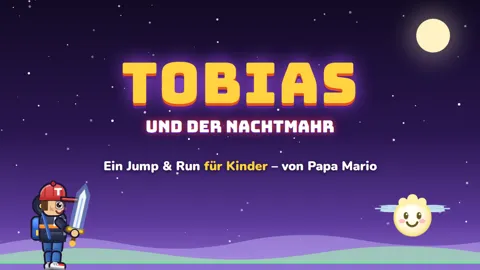 Trailer16:9 · 30 sec · with game music · YouTube, Facebook
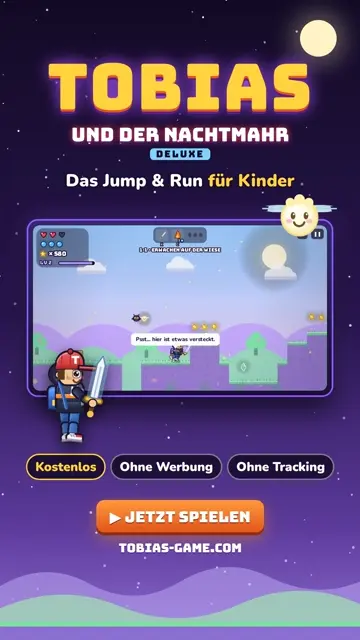 Portrait video9:16 · 16 sec · with music · status, reels, stories
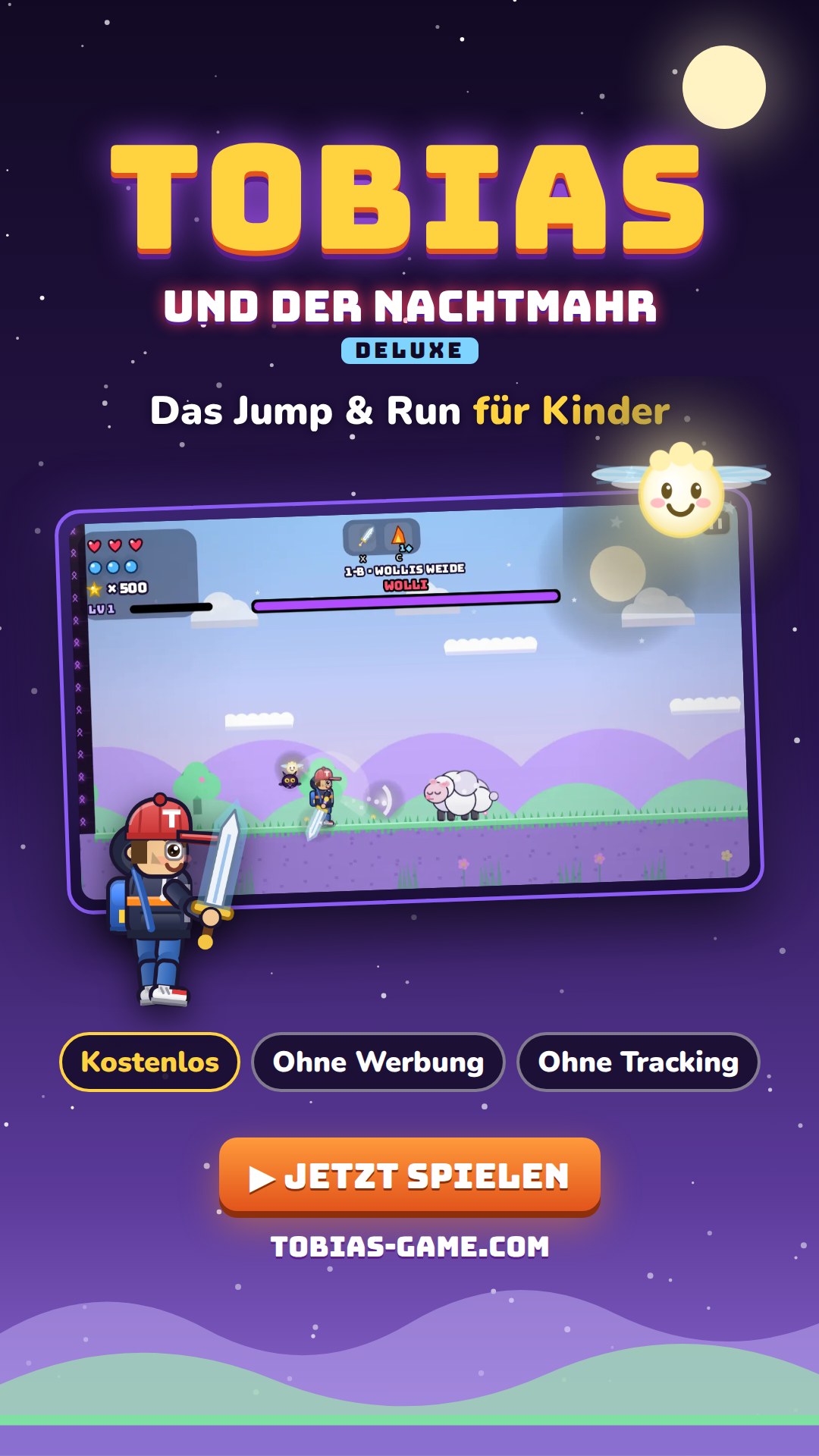 Story image9:16 · 1080×1920
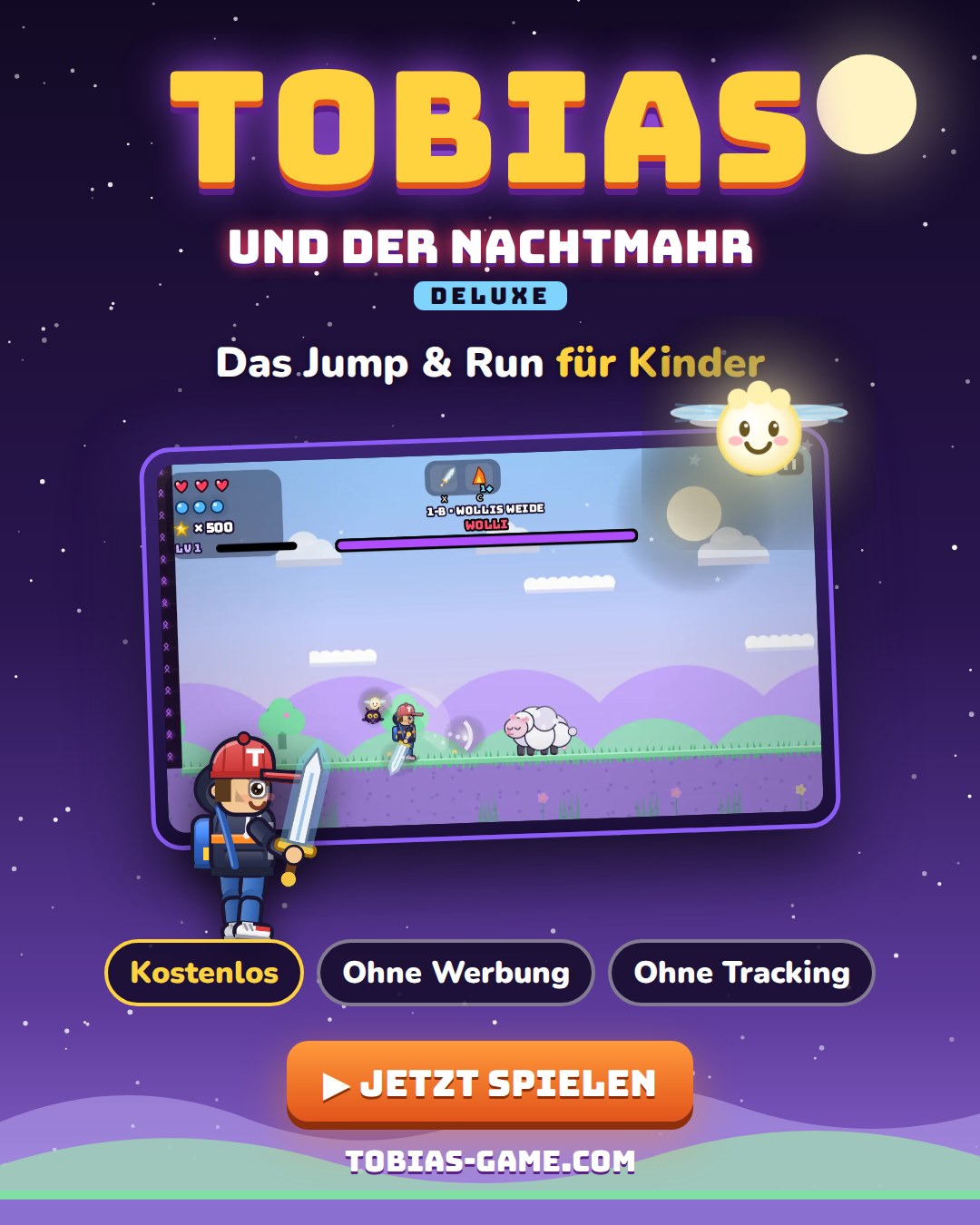 Portrait4:5 · 1080×1350 · Instagram, Pinterest
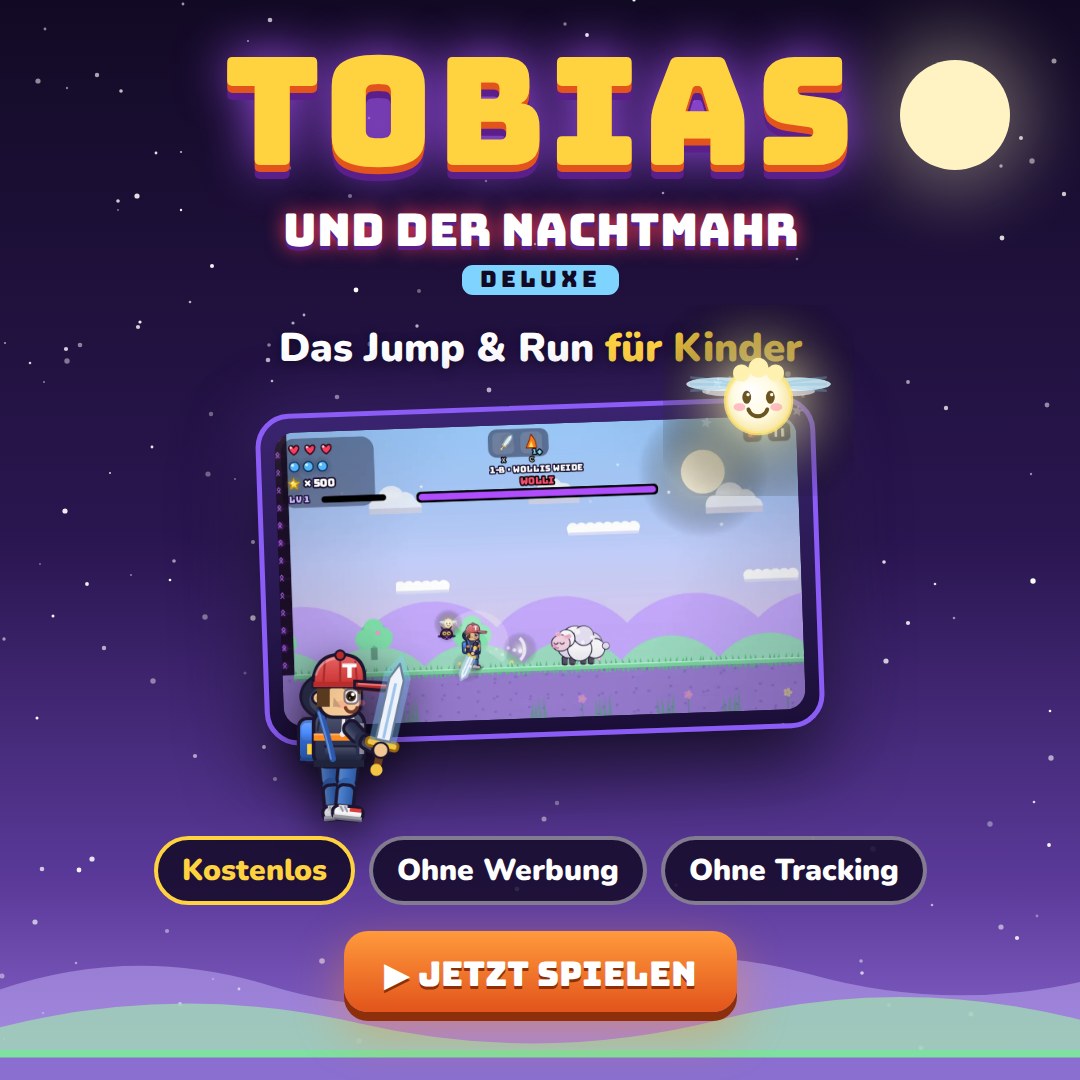 Square1:1 · 1080×1080 · Instagram, Facebook
Questions?
I’m happy to hear feedback, questions and ideas: info@tobias-game.com